We have decided to make internet more affordable than ever. This means the home wireless packages will get a speed adjustment for a better adjusted price. 10 Mbps and higher will be removed from home wireless as were Fibre2Wave will continue from 10 Mbps – 100 Mbps.
Q: Well, how does this affect me? Easy …
If you currently have a 1 Mbps uncapped for R199/pm, you will now upgrade to 2 Mbps for the same price per month.
Upgrades will migrate from Uncapped 1 Mbps to Uncapped 8 Mbps.
1 Mbps will now be R149/pm
Prices will also be adjusted for customers with wireless home speeds 10Mbps and higher.
Q: When will these changes take place?
We intend to have all our customers speeds adjusted by the end of April 2021.
Q: But why?
As our slogan states, we would like to provide the most affordable internet service to everyone and we do not intend to stop here….
UPDATE: 01/04/2021
All customers services have successfully been migrated to a higher speed package!
Please don’t fear, the price you pay now, will stay exactly the same.
Back in the day, a partner and I developed a product called Fibre2Air in Somerset West. It showed great potential in the WISP industry, bringing fibre like speeds over wireless transmissions with very low latency. So, we created our own unique name and service line called Fibre2Wave. More than 60% of Bredasdorp covered in 1 month.
Factors involved: Range. The less the range from client to high site, the better. Architectural challenges. Clear line of site required.
The most frequent question we get … “Are you worried about all the companies putting in new fibre in Bredasdorp?” Well, why should we be worried? Good competition is always good.
The product is not the problem, it is always about the service delivery.
Due diligence is key, always nice to hear what others has to say.
Literally! We have recently swapped more batteries than ever before, trying to beat load shedding at their game. All our sites have currently more power than needed and working hard on keeping it that way.
With improving on innovative ideas and technologies we are experimenting on new ways keeping our clients connected, even when they don’t have power during load shedding.
Previously we received a lot of feedback that most of our website functionality not working. So, we decided to get out with the old and in with the new.
WordPress always delivers a good developing experience, but paying for plugin services became a big obstacle. It sometimes feels like driving in traffic, every guy walking pass that’s begging for a few bucks. Unstable and compatibility issues was the main cause for the destruction of our old website.
Our new website should present a cleaner environment and more functional interface experience. Please leave a comment and tell us what you think.
More projects do lay ahead and we are very excited and determined developing them, so please stay tuned in for more updates
A typical fibre installation into a home is usually quite straightforward.
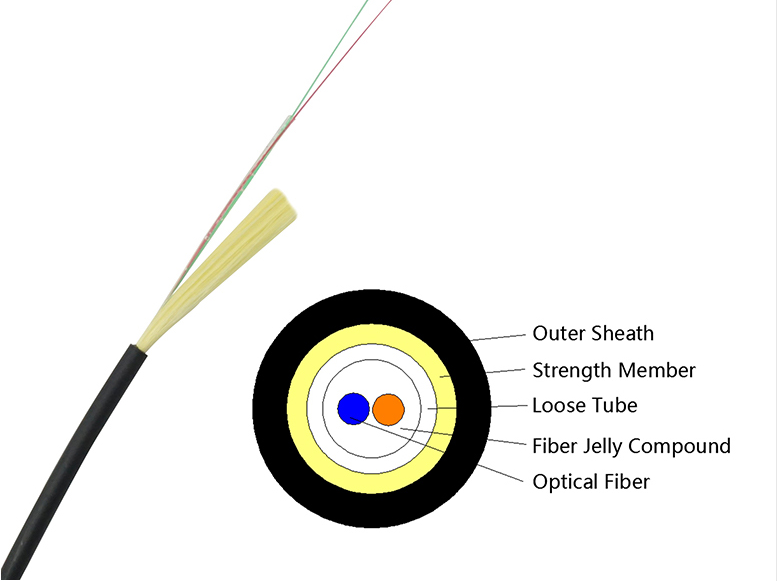
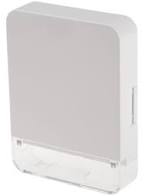
In most cases, a 2-core fibre cable is installed into a designated area or room inside the home where the fibre will be terminated. This is normally done in a neat wall box where the fibre connection is completed.
The way the fibre gets to the house depends on the network provider:
OpenServe installations: OpenServe typically uses their existing pole infrastructure. A fibre cable is run from the nearest pole to the home as an overhead drop cable. If the homeowner prefers not to have an overhead cable, they can arrange for an underground conduit to be installed from the boundary to the house at their own cost. The technician doing the installation can usually discuss the best option during the site visit.
Octotel installations: Octotel usually installs a grey fibre distribution box on the outside of the property, typically near the boundary wall or fence. From this box, they provide conduit to the house for up to 20 meters. If the distance to the preferred installation point inside the home is greater than 20 meters, the additional work may be charged to the customer.
Fibre Geeks installations: Fibre Geeks also installs a fibre distribution box on the outside of the property, usually near the boundary wall or fence. From this point, they will run conduit and fibre from the box to the installation point inside the home. Similar to other providers, there may be an included installation distance, and any additional work or extended distances may result in additional costs to the customer.
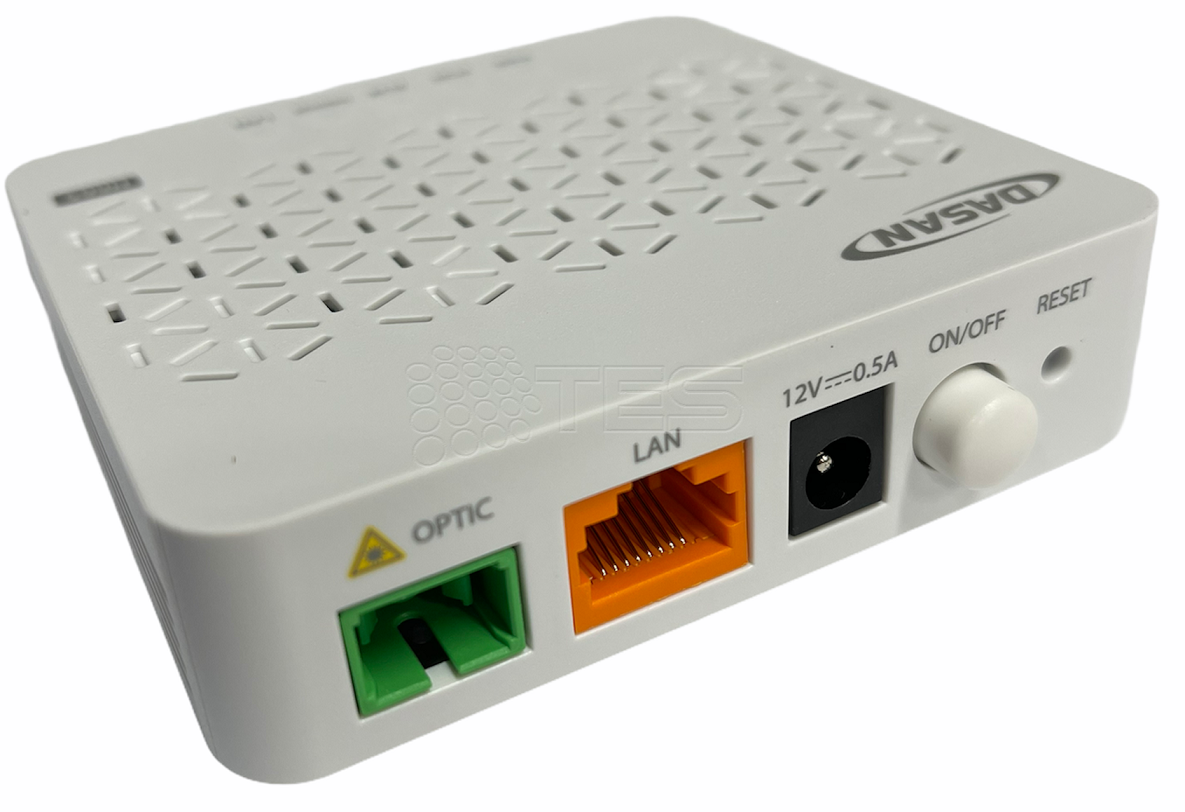
Once the fibre reaches the inside of the home, it is connected to a termination box. From there, a fibre patch cable connects the termination point to an ONT (Optical Network Terminal).
The ONT is the device that converts the optical signal from the fibre into a normal Ethernet network connection.
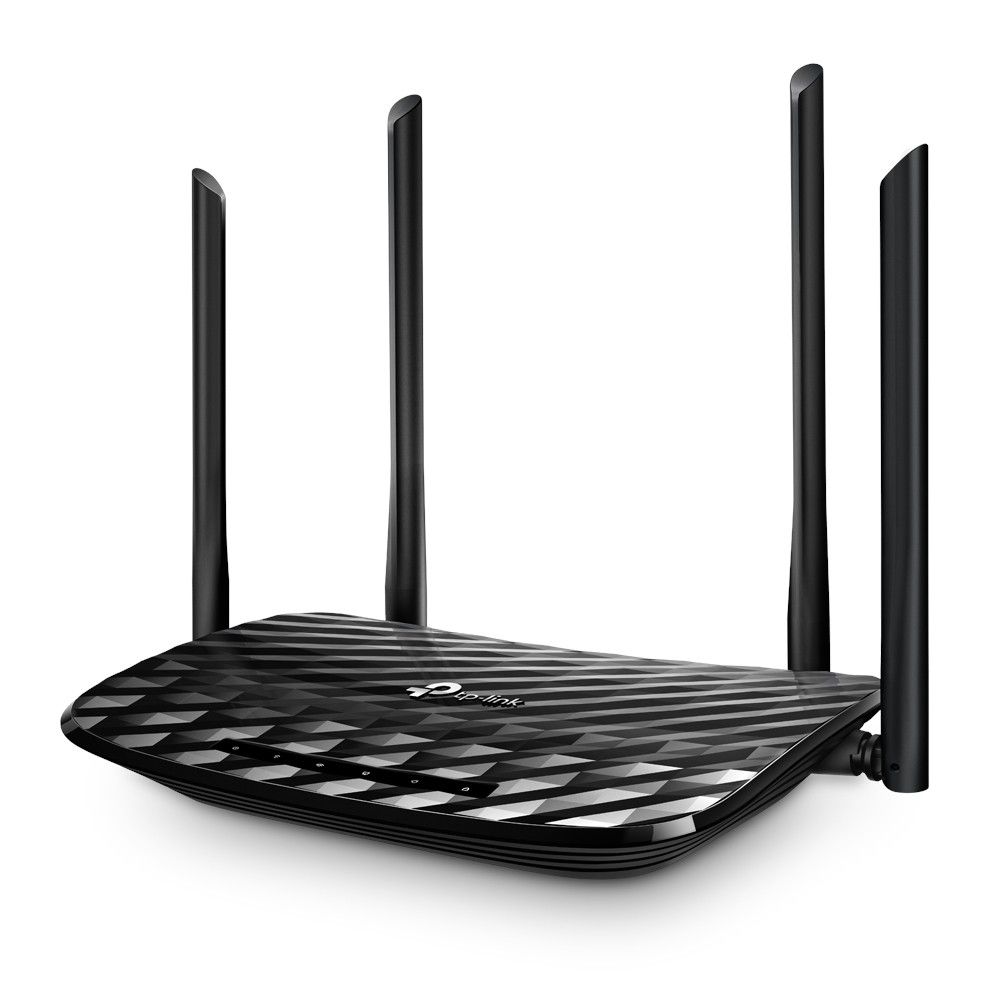
Finally, an Ethernet cable is used to connect the ONT to the indoor wireless router, which provides internet access and Wi-Fi throughout the home.
2 Core Fibre Cable
Fibre Termination Box
ONT Device
Indoor Wireless Router
Most cases the termination box and the ONT device are glued on the wall (hidden) close to the indoor wireless router.