How does this work?
A typical fibre installation into a home is usually quite straightforward.
In most cases, a 2-core fibre cable is installed into a designated area or room inside the home where the fibre will be terminated. This is normally done in a neat wall box where the fibre connection is completed.
The way the fibre gets to the house depends on the network provider:
OpenServe installations:
OpenServe typically uses their existing pole infrastructure. A fibre cable is run from the nearest pole to the home as an overhead drop cable. If the homeowner prefers not to have an overhead cable, they can arrange for an underground conduit to be installed from the boundary to the house at their own cost. The technician doing the installation can usually discuss the best option during the site visit.
Octotel installations:
Octotel usually installs a grey fibre distribution box on the outside of the property, typically near the boundary wall or fence. From this box, they provide conduit to the house for up to 20 meters. If the distance to the preferred installation point inside the home is greater than 20 meters, the additional work may be charged to the customer.
Fibre Geeks installations:
Fibre Geeks also installs a fibre distribution box on the outside of the property, usually near the boundary wall or fence. From this point, they will run conduit and fibre from the box to the installation point inside the home. Similar to other providers, there may be an included installation distance, and any additional work or extended distances may result in additional costs to the customer.
Once the fibre reaches the inside of the home, it is connected to a termination box. From there, a fibre patch cable connects the termination point to an ONT (Optical Network Terminal).
The ONT is the device that converts the optical signal from the fibre into a normal Ethernet network connection.
Finally, an Ethernet cable is used to connect the ONT to the indoor wireless router, which provides internet access and Wi-Fi throughout the home.
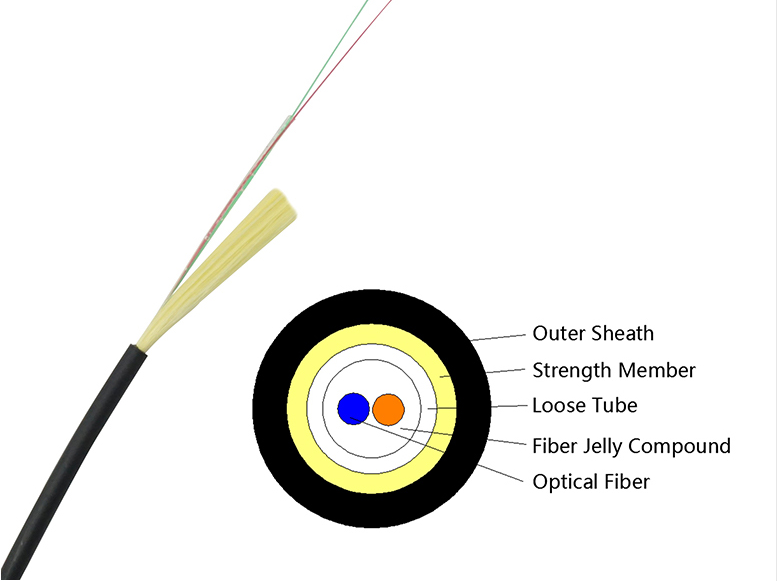
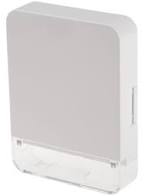
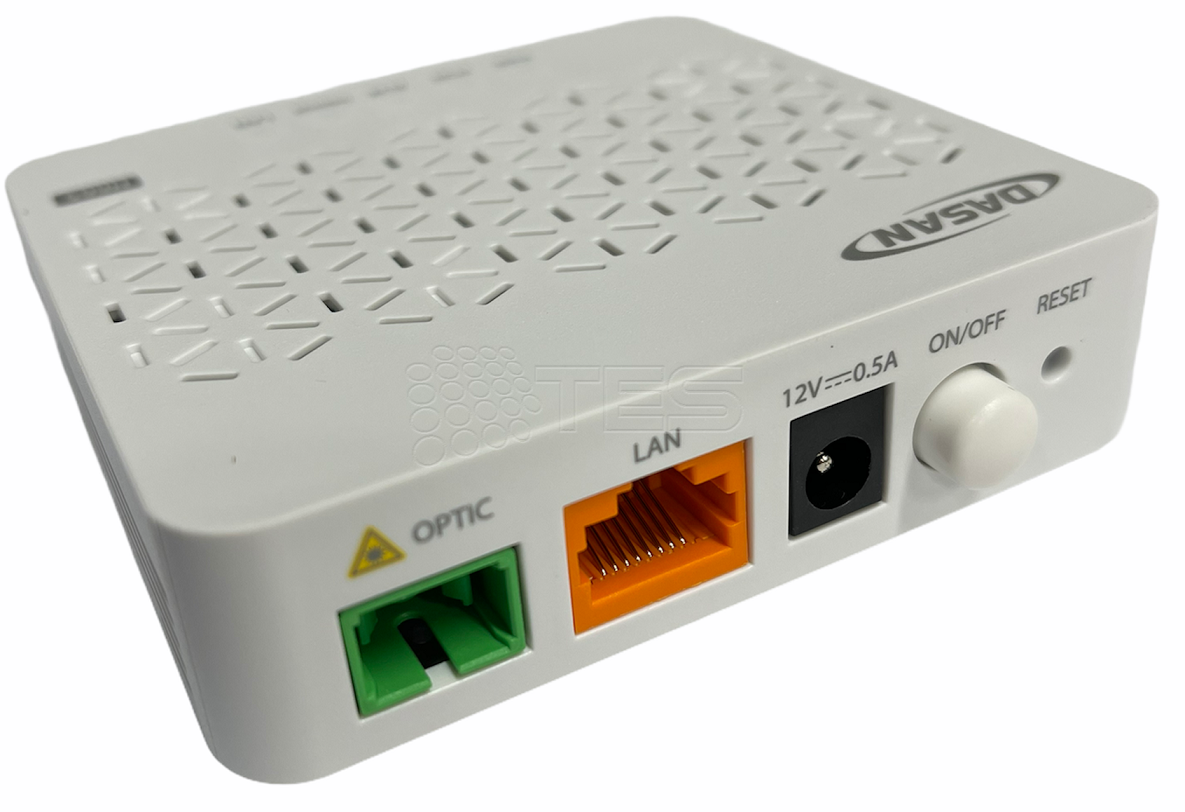
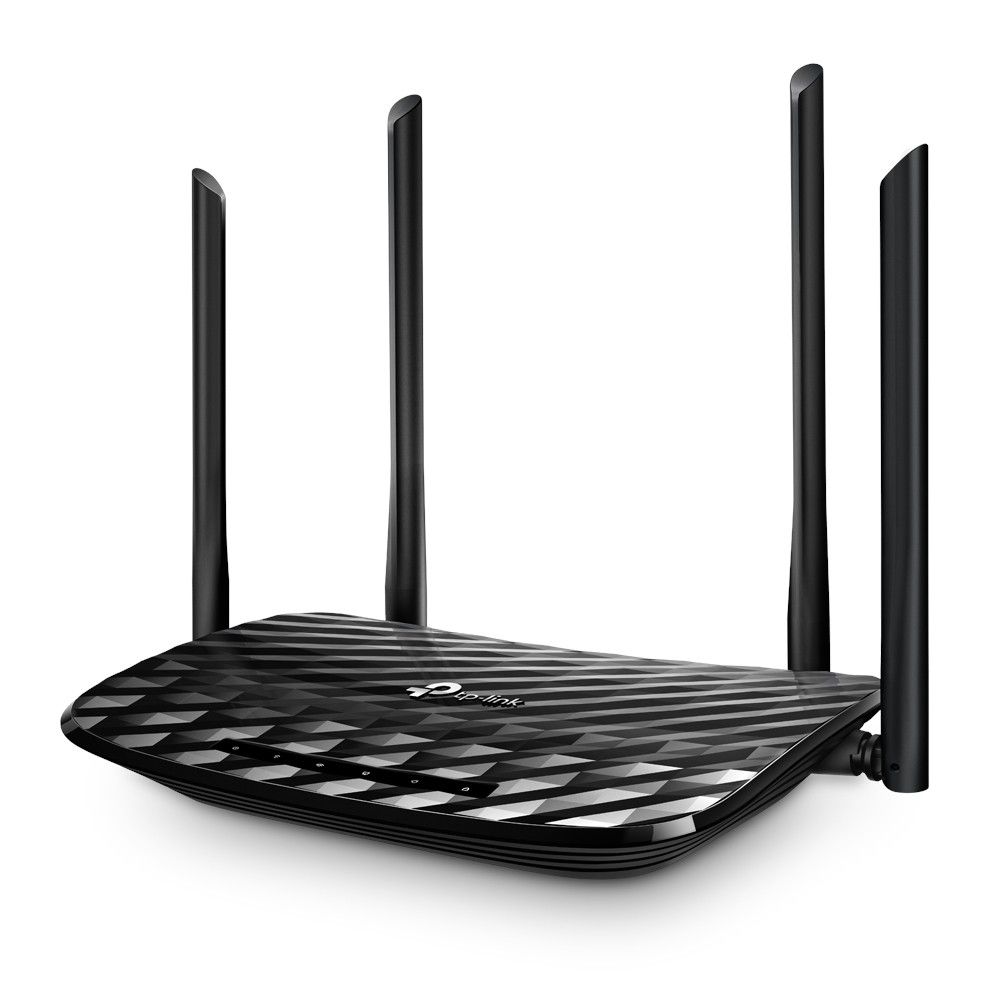
Most cases the termination box and the ONT device are glued on the wall (hidden) close to the indoor wireless router.

1 reply on “MASSIVE Service changes !!!”
Leave a CommentExcellent, superb service.
Keep up with the good service delivering.
Comments are closed.